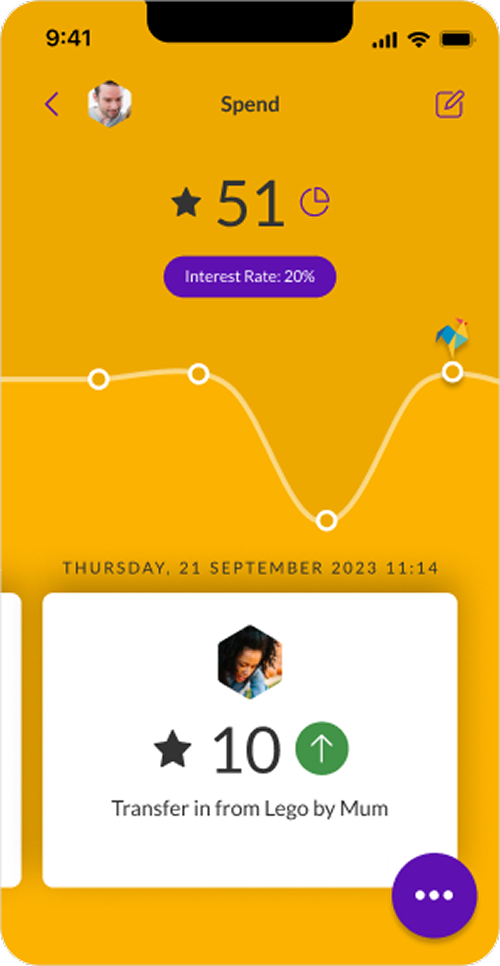
One of the benefits of using the Rooster Card to manage pocket money for kids is that they can make purchases online, whilst parents stay in control of what they spend and where. Since so much of our lives is digital, we all know that kids will enjoy using their card at the shops as well as online.
Whether that’s buying something from Amazon, or selling unwanted clothes and toys, online payments are here to stay, and giving our children the right skills to navigate this safely is important.
Every family is different, so there’s no universal approach for introducing online spending into kids’ pocket money routines; if you’re looking for a guide on how you could manage this, you’ve come to the right place.
Card for ages 6-17. Parent/guardian must be 18+ and a UK resident. £19.99/yr or £1.99/mo. Other fees may apply. T&Cs apply.